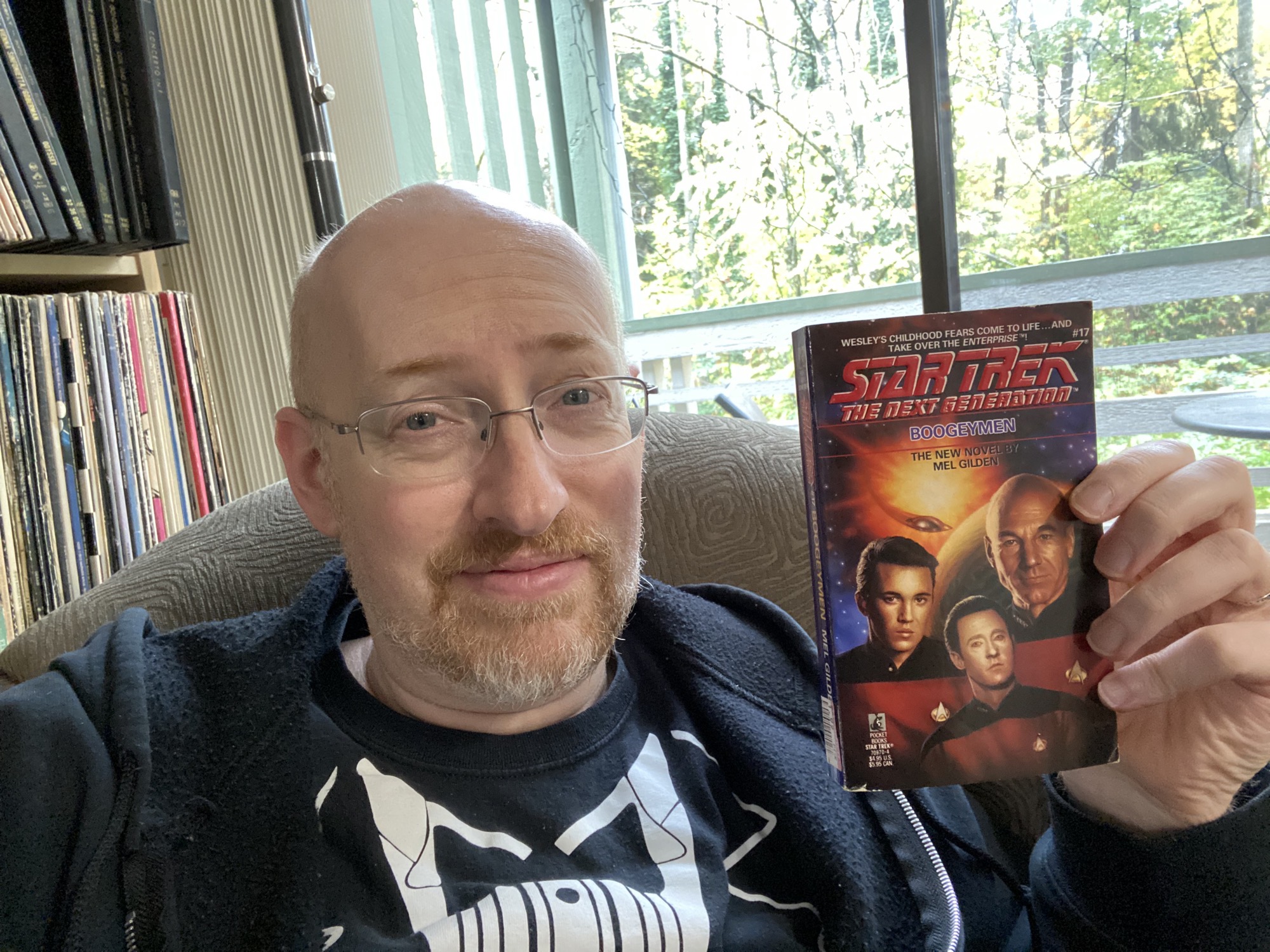
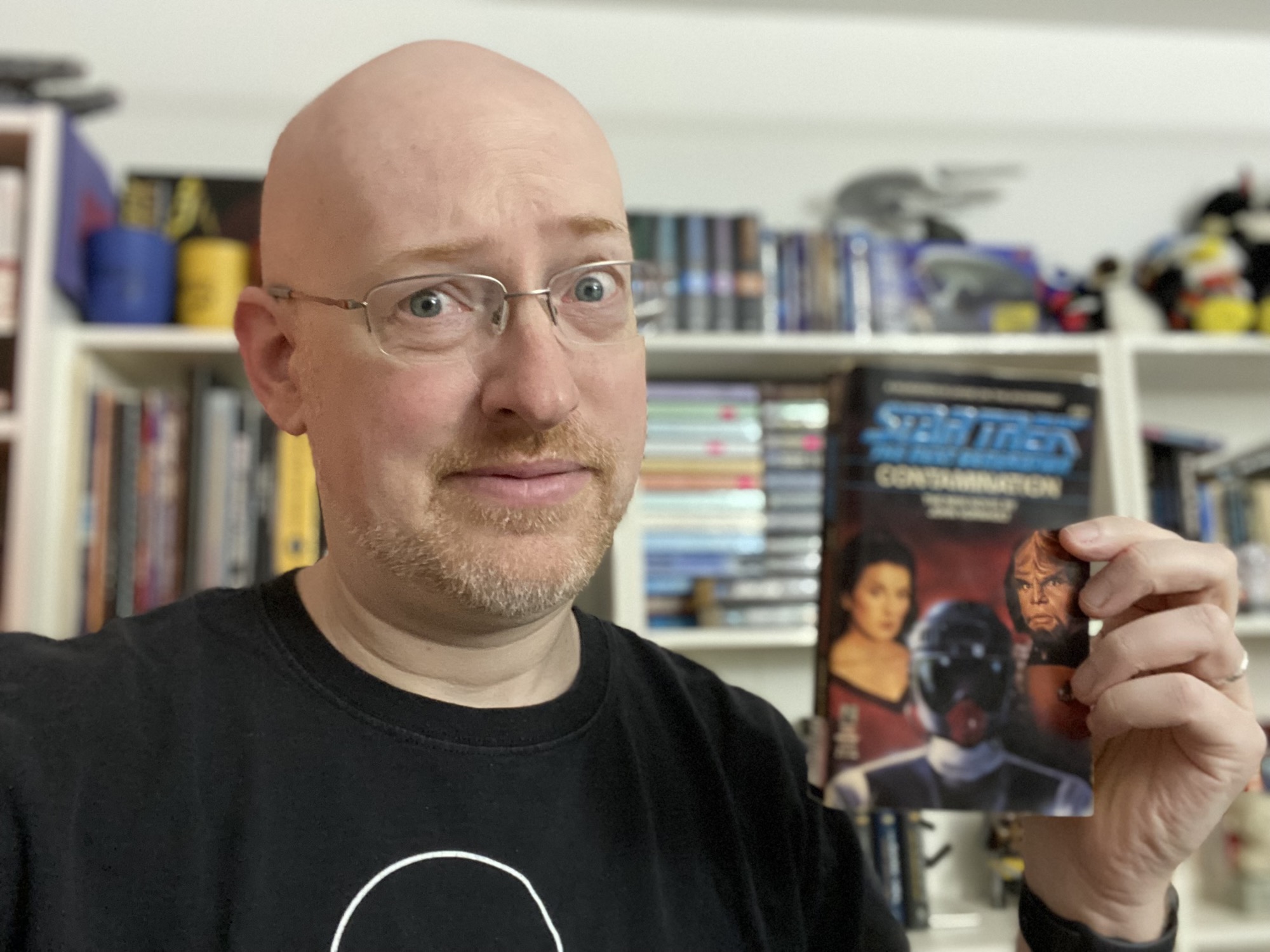
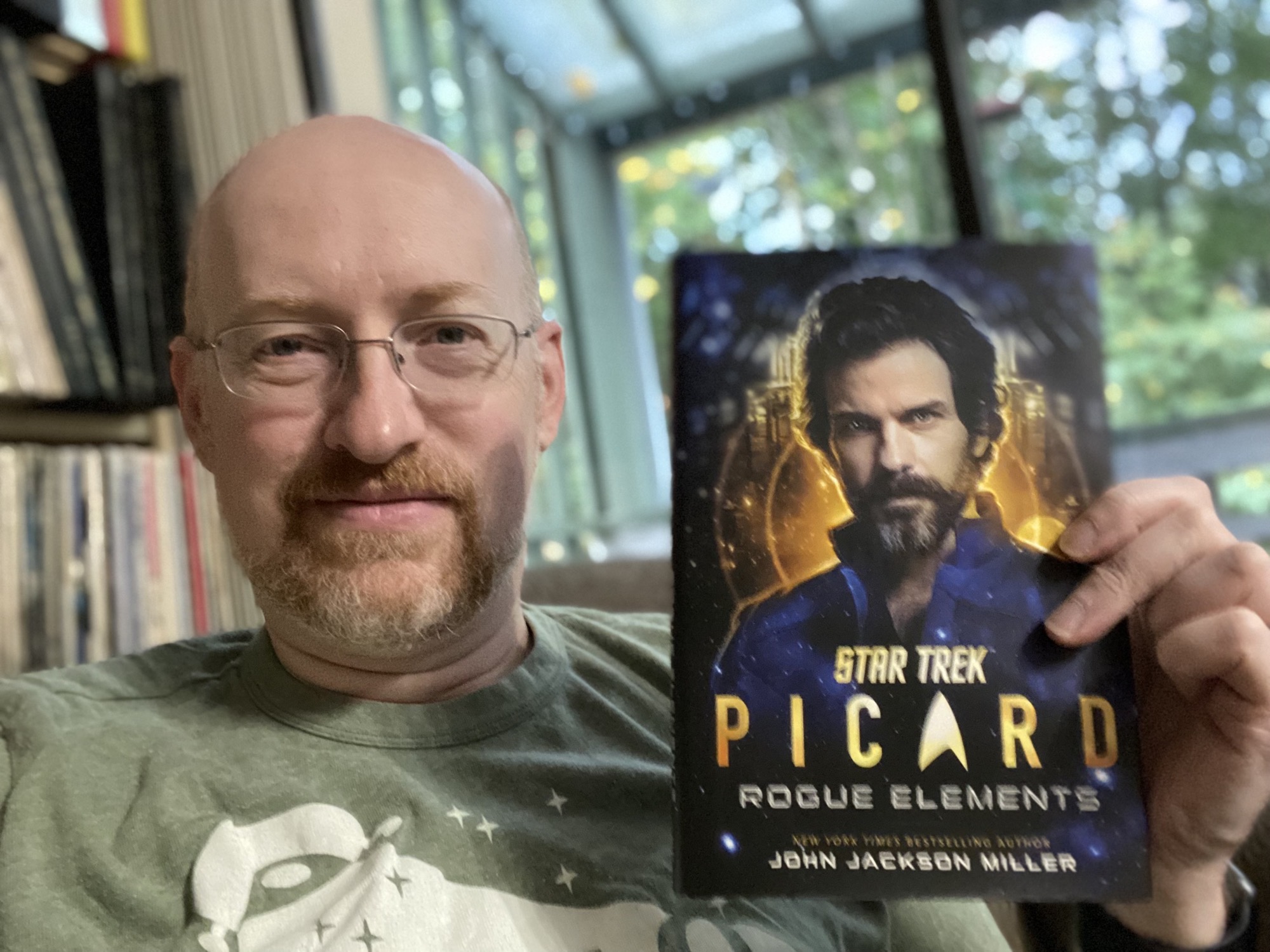
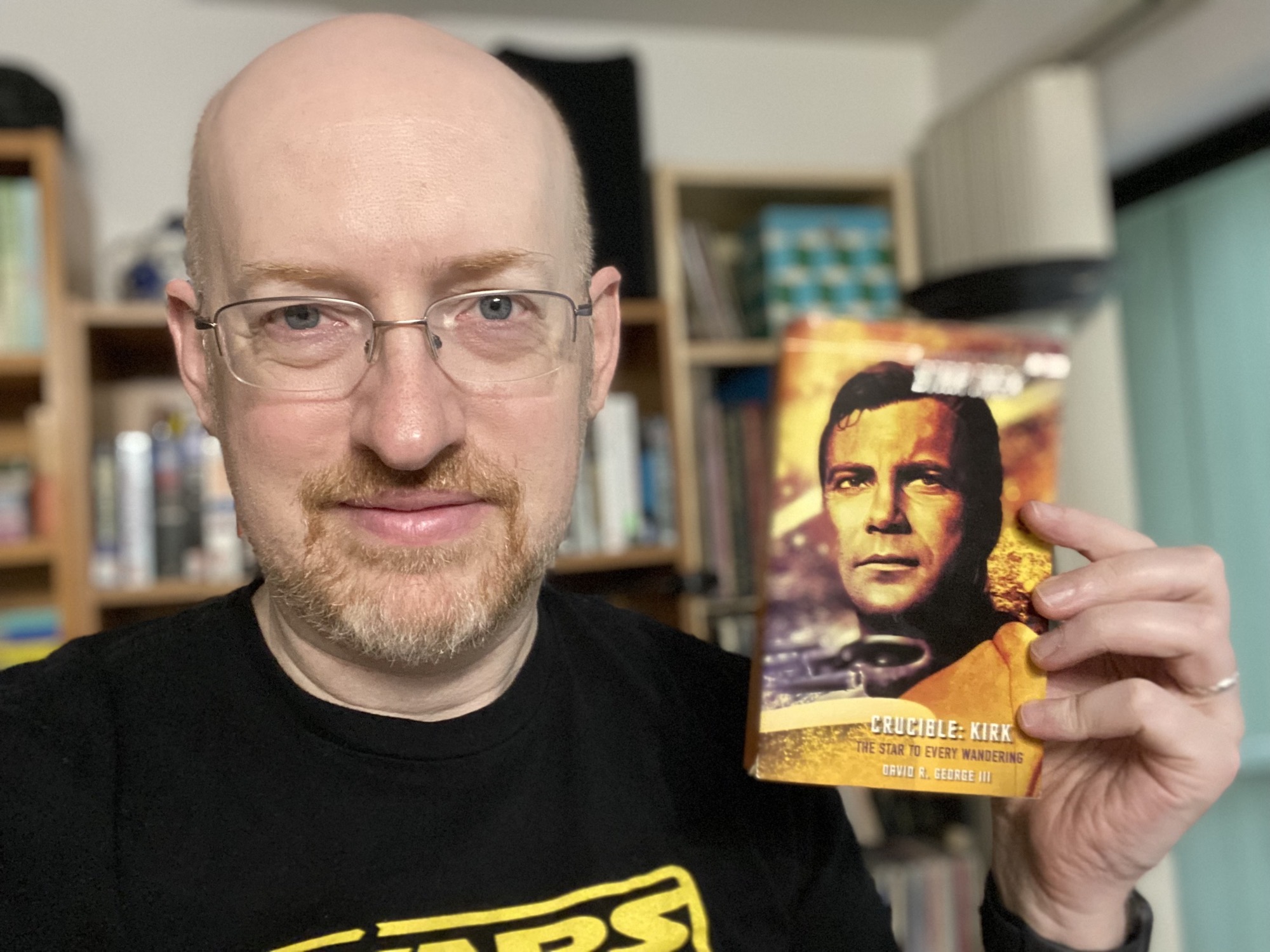
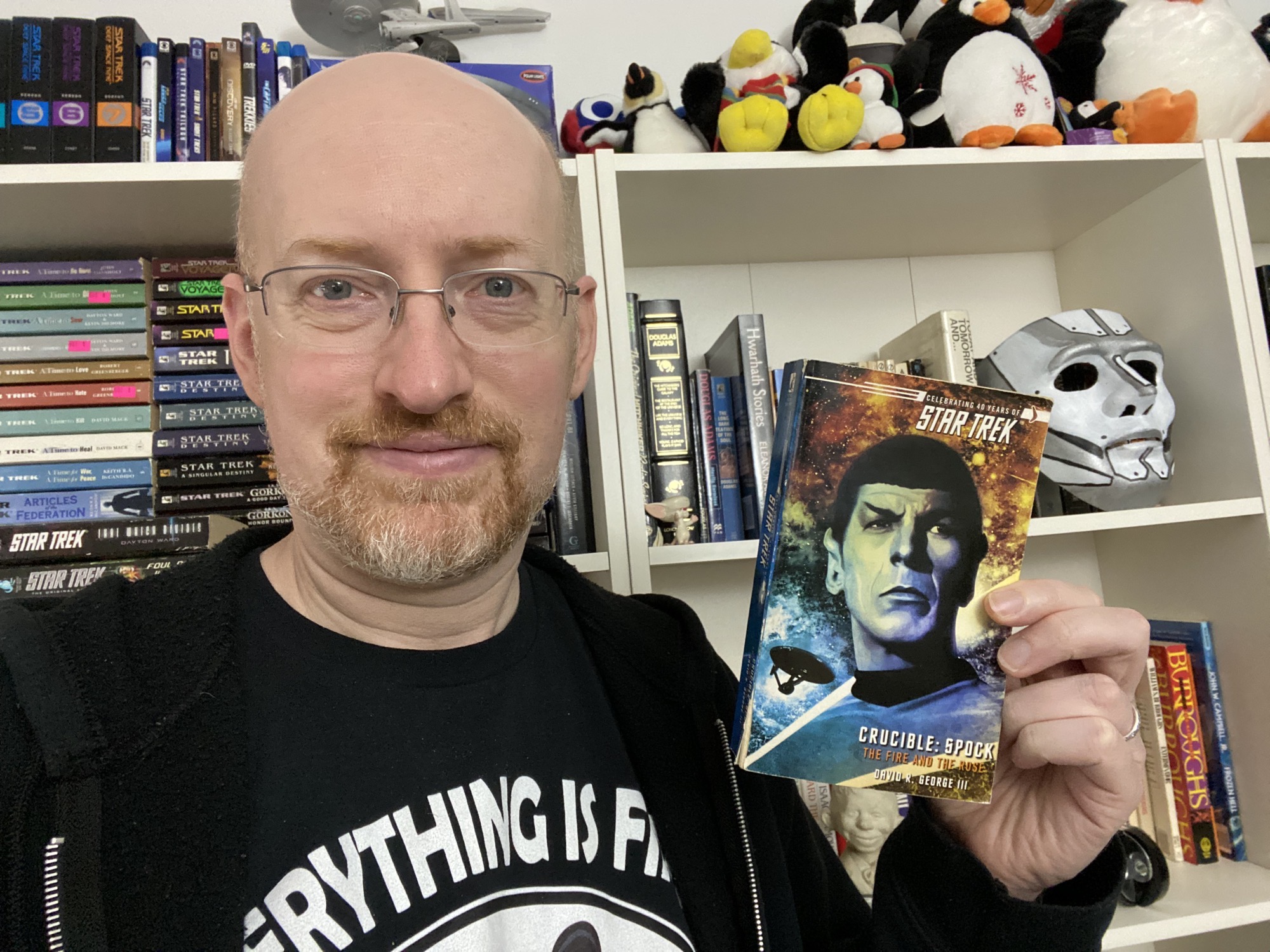
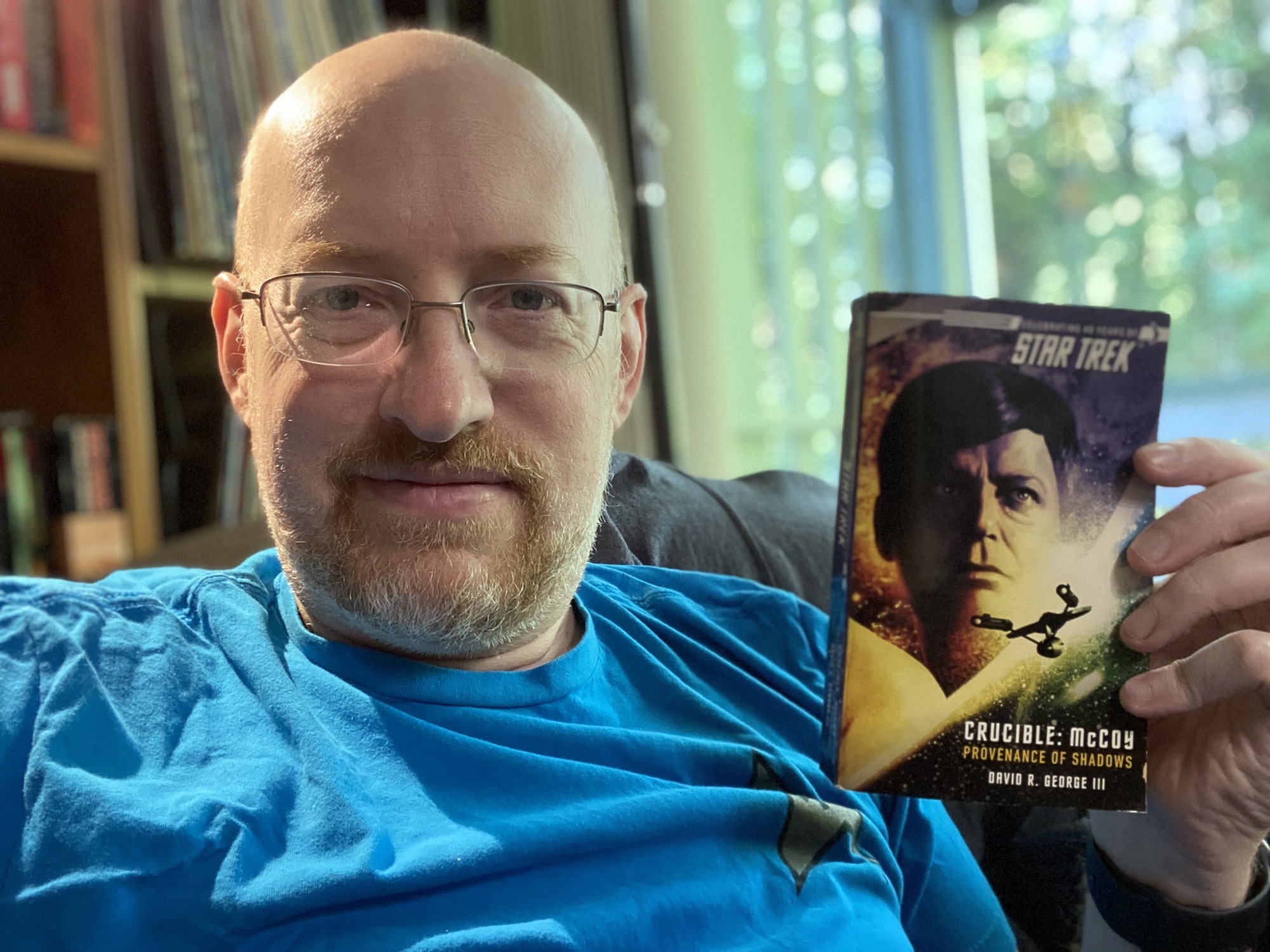
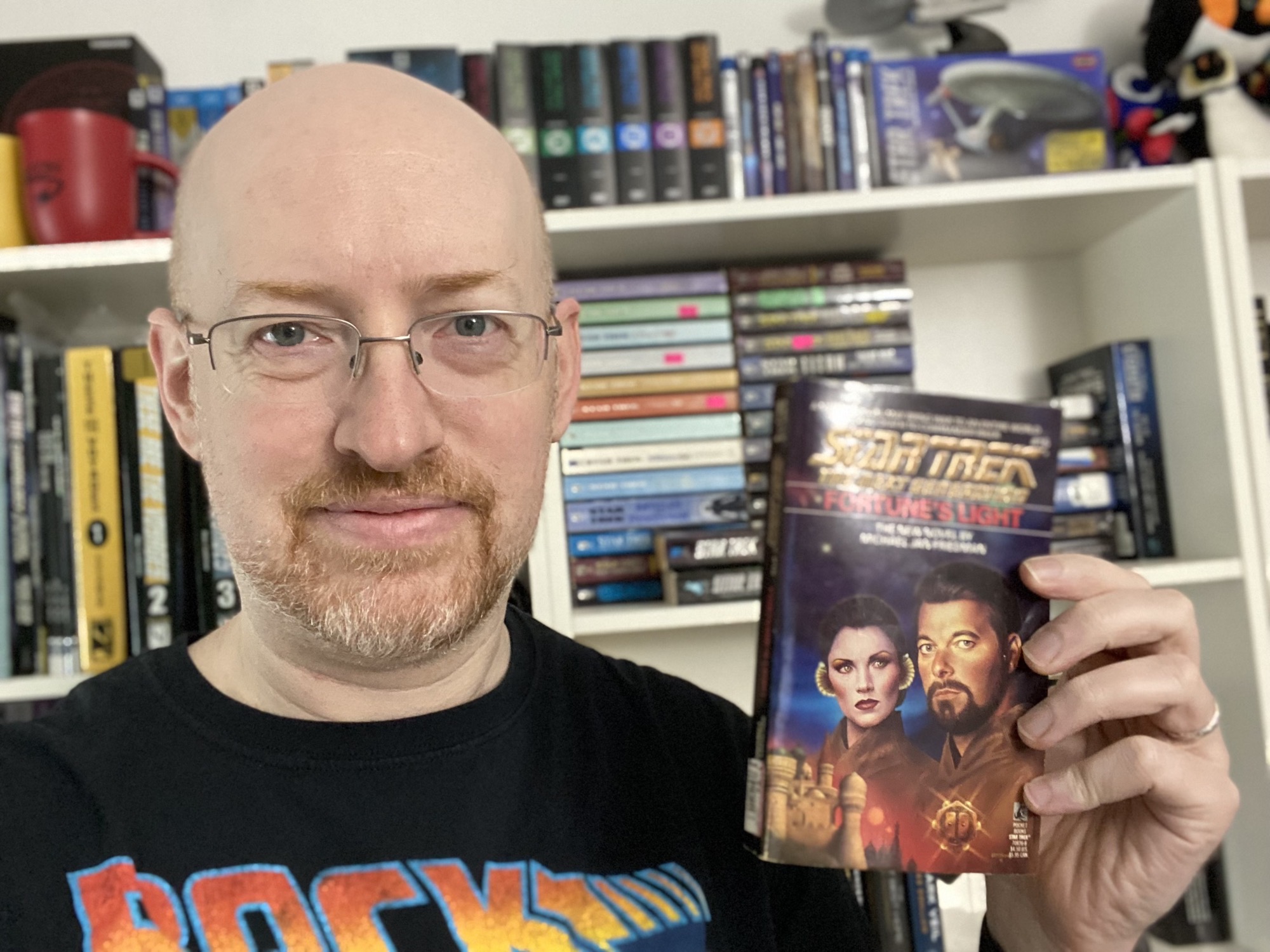
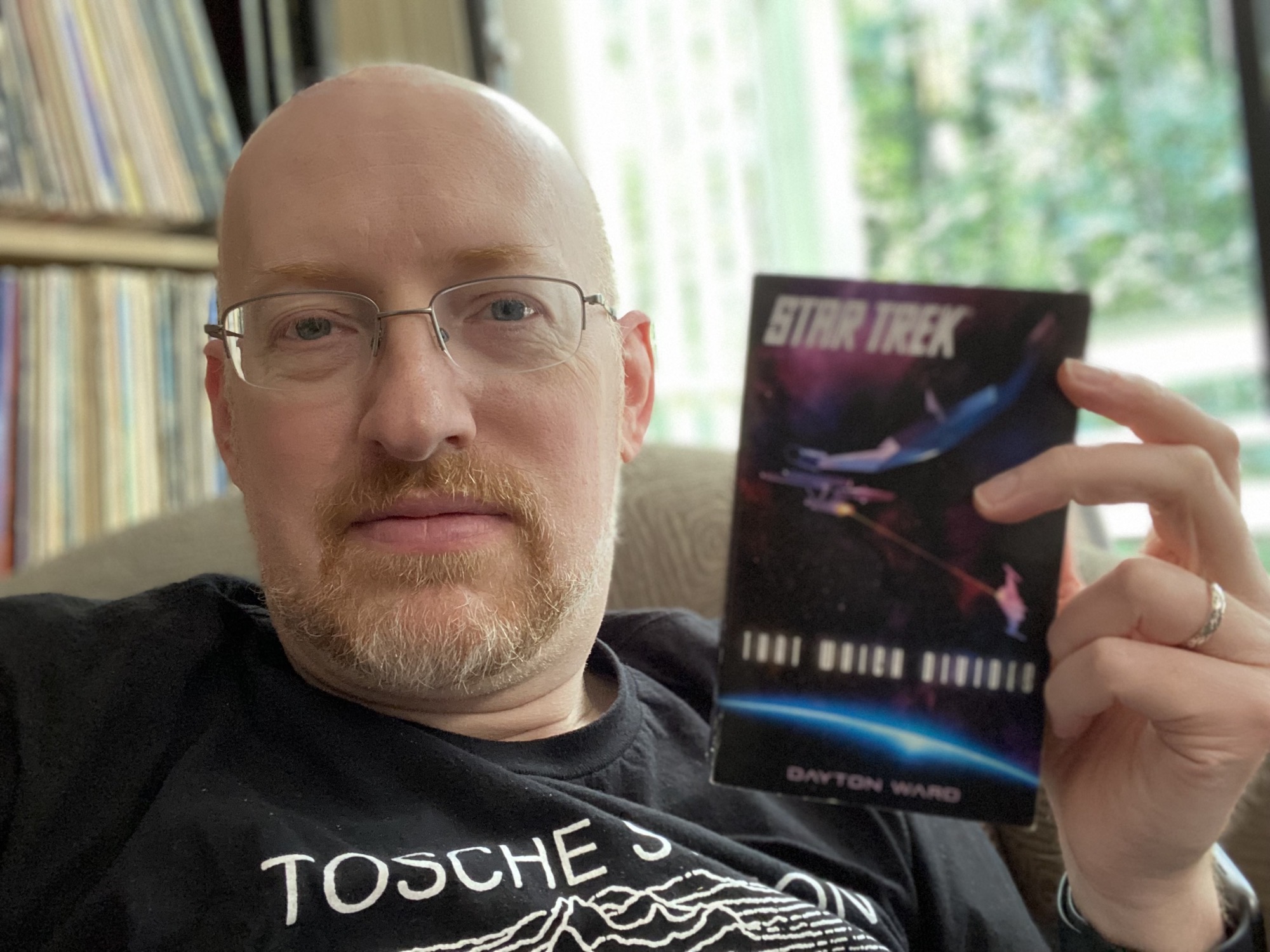
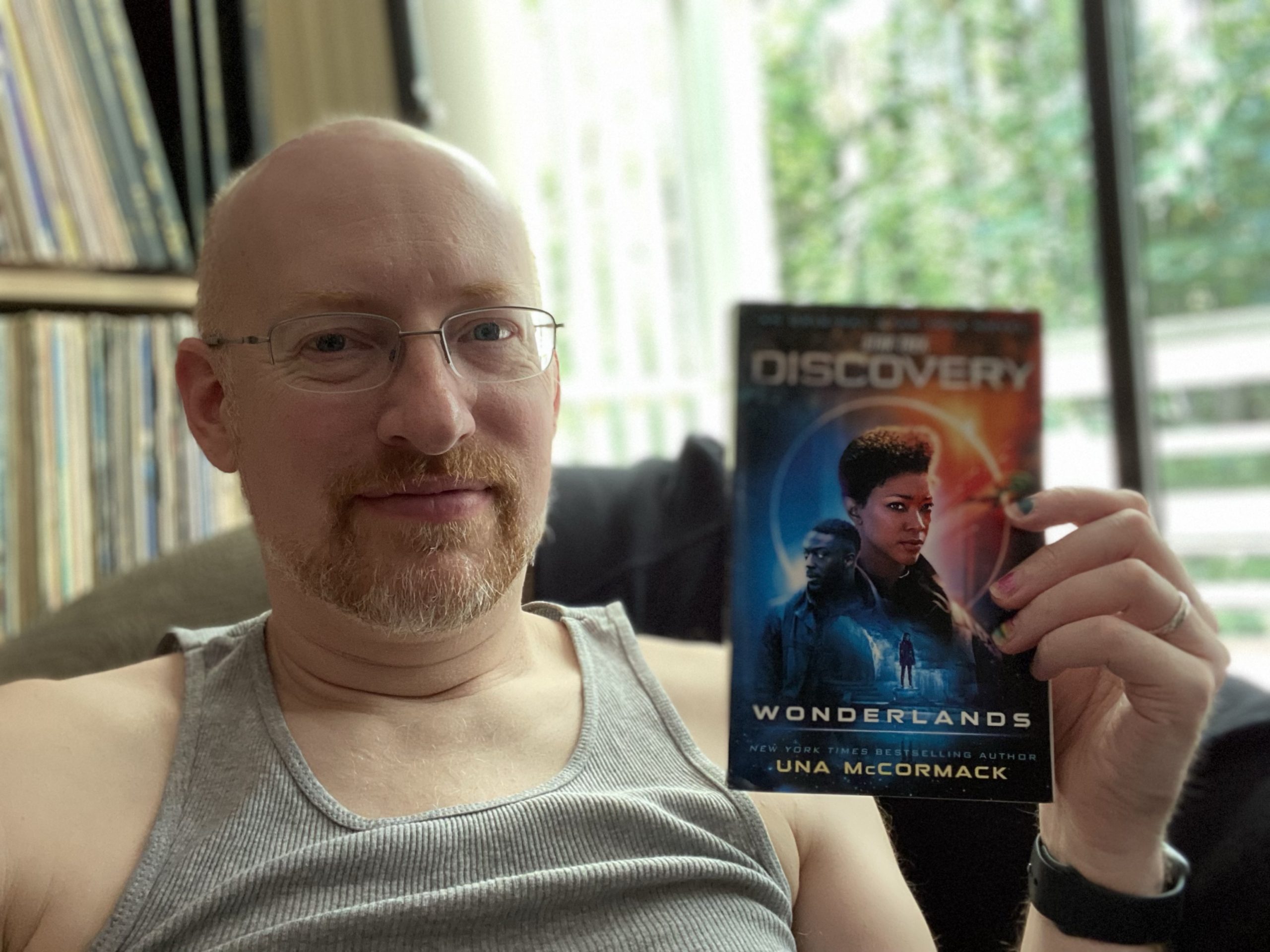
📚 23/2021: Wonderlands by Una McCormack ⭐️⭐️⭐️ #startrek 🖖 Fills in the year between Burnham’s appearance in the future and when she finds the Discovery. Lots of expansion of the new setting for season three and beyond, with some entertaining ties to much earlier Trek bits.

📚 22/2021: Foul Deeds Will Rise by Greg Cox ⭐️⭐️⭐️ #startrek 🖖

Aside from Cox’s tendency to get a little too cute with references, this was one of the better moments of picking up a dropped thread; in this case, Leonore Karidian, now released from psychiatric treatment.

DVD/Blu-Ray conversion with text soft subtitles on macOS (2021 Update)

Saved here for my own reference, and possibly others’ if they should stumble across it: the easiest workflow I’ve found yet for converting DVDs or Blu-Rays for personal use on macOS, including conversion of subtitles from either Closed Captions, VobSub (DVD), or PGS (Blu-Ray) format to text-based .srt files suitable for use as soft subtitles, either as a sidecar file or included in the final movie file. (Updated from my original 2015 post to account for software and process changes).

Rip the System Disk

DVD Subtitle Workflow 1

Use MakeMKV to rip the DVD or BluRay disc to .mkv files.

Since I’m archiving special features as well as the main program, I simply rip every title on the disk longer than 30 seconds, and then trash any that I don’t need (such as menus, studio promos, etc.). I do check to make sure that all English-language audio or subtitle tracks are selected; usually they are by default, but I’ve seen rare situations where they need to be manually checked.

Once all the .mkv files have been created, I go through and rename each one to be something more descriptive than title_t03.mkv.

Extract the Subtitles

DVD Subtitle Workflow 2

For each .mkv file, use Subler to extract the subtitles. This takes two passes through Subler to complete.

  1. First, drag the .mkv file onto Subler, and deselect everything but the subtitle track(s) that you want to convert.

    Subler Import

    Subler’s “Info” column will describe the subtitles as either VobSub, PGS, or Text. I used to convert them all so that I could choose which gave me the best results; now, I’ll ignore VobSub/PGS if Text is available (but it’s less common).

    VobSub or PGS: These are the most common subtitle types. They’re actually a series of image files (.png, I think) with attached timing information that media players layer over the video stream. The advantage is that font, color, size, placement, and even fancier graphics (sometimes used for “pop up trivia” style tracks) are all at the creator’s discretion; the disadvantage is that because they’re image files, the text has to be extracted through an OCR (optical character recognition) process that frequently leads to typos and garbage characters.

    Text: These are Closed Caption files. I’m not sure how they’re stored on the physical disks, but current versions of MakeMKV convert them to text during the process of ripping to .mkv. I’ve generally found these to have far fewer typos and oddities than OCR’d VobSub or PGS subtitles. However, it’s often a toss-up as to whether the captions are presented using standard captalization or in ALL CAPITALS, and they use varying numbers of space characters to manually place text centered or off-centered. Depending on how picky you are about the output, these factors can affect how much post-processing is needed.

    After choosing the subtitle tracks and clicking “Add” to create a new Subler document, you can either save the Subler document (fine if you’re only doing a single file) or use File > Send to Queue to create a batch queue (best if you’re converting multiple files). When the file is saved or the queue is run and all queued files are saved, Subler will either extract the Closed Caption text or OCR the subtitle images and output a small .mp4 file.

  2. Second run; drag the new .mp4 file back onto Subler, click on the subtitle track(s), and choose File > Export… to save the .srt file(s). The tiny .mp4 file can then be deleted.

    Subler Export

Correct the Subtitles

DVD Subtitle Workflow 3

As noted above, the exported .srt file(s) are virtually guaranteed to have some oddities; how many and how intrusive they are depends on the source. Caption files are often in ALL CAPS and have weird spacing used to force the text to a desired on-screen position. Subtitle files will contain OCR errors, but BluRay (PGS) subs seem to come out better than DVD (VobSub) subs (likely due to the higher resolution of the format giving better quality text for the OCR process to scan). Accuracy is also affected by the chosen font and whether or not italics were used.

For correction, I use a couple methods.

  1. For a quick-and-dirty “good enough most of the time” run, I use BBEdit (but just about any other text editor would work) to do a quick spellcheck, identifying common errors and using search-and-replace to fix them in batches.

    I’ve actually set up a few scripts to automate the most common search-and-replace steps to help with this process.

  2. For a real quality fix–or if I have the time to create subtitles from scratch for a file that doesn’t have any–I use Subtitle Edit Pro to go through line-by-line, comparing the text to the original audio, adding italics when appropriate, and so on. (I used to recommend Aegisub, but that project appears to have been abandoned a few years back. There doesn’t seem to be a big market for subtitle editing on macOS; Subtitle Edit Pro is the best option I’ve found since Aegisub stopped working consistently.)

Of course, these two processes can be combined, done at different times, or skipped entirely; if I don’t have time or energy to do the error correction, I can always go back and use Subler to extract the .srt files for cleanup later.

Embed the Subtitles

DVD Subtitle Workflow 4

Use HandBrake to re-encode and convert the .mkv file (which at this point will be fairly large, straight off the source media) to a smaller .m4v file. Include the subtitle file by choosing Tracks > Add External Subtitles Track… in HandBrake’s Subtitles tab.

Handbrake Subtitles

Or, if you’re already working with an .m4v file, you can use Subler to add .srt files to into the .m4v: Drag the .m4v file from HandBrake on to Subler, drag the .srt file(s) into the window that opens, and then save the file.

Finito!

And that’s it. Now, you should have a .m4v file with embedded text-based soft subtitles.

TWOK Subtitles Example

You can also just store the .srt file(s) in the same directory and with the same name as the .m4v file for apps that don’t read embedded .srt files but will read sidecar files.

Subtitle Stinginess

Somewhat niche personal pet peeve: The little “special features may not be captioned/subtitled” on home media releases. Why do studios seem to operate under the assumption that only people with perfect hearing will be interested in the behind-the-scenes goodies (or that even people with perfect hearing will never be in a situation where they want to pop subtitles on for some reason)?

If I could make a comfortable living off of it (or if I was independently wealthy and could do what I want), I’d love to have a subtitling/captioning business making sure that all parts of a home media release, including all special features (featurettes, specials, trailers, commentaries…it’s particularly nice when commentary tracks are subtitled, so that it’s possible to watch a movie with the original audio but with the commentary subtitles, or vice versa) had subtitle/caption options.

📚 18/2021: _Shadows on the Sun_ by Michael Jan Friedman ⭐️⭐️ #startrek 🖖

Didn’t really care for a McCoy still blindly obsessed over his ex after decades, or the markedly somber tone of the crew’s return to Earth following the events of STVI:TUC. Very much a downer of a story.

On Talented Hackery

A few minor edits to this paragraph from John Scalzi’s Zack Snyder’s Justice League: Review and it very nicely sums up my attitude towards all of Zack Snyder’s films:

…that’s the real problem with [Zack Snyder’s] films. They look great [but] I find it hard to give a shit about any of them. I don’t hate them, but I don’t especially like them either…. They exist, and that’s about it. The problem with [Zack Snyder’s] films is not that they’re dour but that they’re empty. They’re not compellingly written, either in the larger plot sense or the smaller character sense, and when you’re done watching them, most of what you’re left with is a sense that you sure looked at something expensive.

I find Snyder to be a very talented hack. What he does, he does very well. Unfortunately, what he does holds very little appeal for me. And with his vision as the guiding force between most of the DC movie universe, it’s never been a particular surprise to me that I’ve not really enjoyed any of the ones I’ve seen, and haven’t been terribly motivated to watch those I’ve missed.

📚 14/2021: The Folded World by Jeff Mariotte ⭐️⭐️ #startrek #tos

Mostly a trek through a haunted house, with weird vistas and spooky monsters or villains jumping out. Some odd characterizations that seemed a bit off. Not horrible, but not a standout, either.

Reading in Pandemicland

A few weeks ago, I spoke to a student reporter from UW about Norwescon, reading habits, and how my own reading habits have changed as I aged and as the pandemic hit. While the conversation was a lot longer than the one quote that made it in, at least I wasn’t cut completely, and got a mention of Norwescon in front of UW students — so mission accomplished, I say!

Escaping through the pages:

Science fiction, dystopia’s similar but more optimistic counterpart, is also seeing an increase in popularity during the pandemic, much to the excitement of seasoned fans everywhere. 

Every year, Seattle hosts the Pacific Northwest’s regional science fiction and fantasy convention Norwescon. Michael Hanscom, longtime convention attendee, volunteer, and secretary of this year’s virtual event, has been turning to the familiar, curiosity-driven world of “Star Trek” since the beginning of quarantine in order to cope with reality.

“This is not always quality sci-fi; this is absolutely escapism,” Hanscom said, gesturing to his bookshelves filled with “Star Trek” paraphernalia during our Zoom interview. “I think 80% of my reading last year was ‘Star Trek’ novels because I couldn’t concentrate on anything more weighty than that. With everything going on and being locked down at home, I needed that escapism. I needed to get away.”

Once More With Feeling: Joss Whedon is a Jerk

For no reason at all (ahem), some old links I had laying around…

From 2017: My new album…

My new album, Joss Whedon Kind Of Really Sucks and Even Though I Have and May Continue to Enjoy Some of His Shows or Aspects of His Shows That Doesn’t Mean That I Don’t Need To Recognize How They Have A Lot of Problematic Elements, is coming out next week!

From 2017: I’m looking at screenshots…

The problem is that at some point in his career, Joss became so intent on the masochistic fantasy of being hated by strong women for being a nerd that he spent a decade writing stories about violating those women to ensure they would hate him.

From 2009 (content warning for late 00’s-era Cracked.com over-the-top snark with lots of I’m-cool-because-I-swear profanity and problematic language): 5 Reasons It Sucks Being a Joss Whedon Fan

Yeah, Buffy kicked unholy ass, Zoe was Mal’s Terminatrix-like enforcer, Faith begat Echo and Echo is the baddest ass Kung Fu Whore TV has ever seen, and yet, aside from the fact these girls have done some push ups and punched masculinity in its shriveled balls time and again, the idea that Whedon is some sort of hyper-feminist stinks….

I’m not mocking or disparaging those who are just now learning just how problematic Joss Whedon is (though it’s presented in a different context, I always try to keep XKCD’s Ten Thousand comic in mind); nor do I look down on those who still find things in Whedon’s work that they enjoy (there’s still a lot of Buffy that I enjoy, from the original film through most of the show and Angel).

I’ve said before that I believe it’s entirely possible to enjoy problematic media and media created by problematic creators; you just have to be willing to recognize those areas where they fall down, rather than ignoring or glossing over them because of the parts you enjoy.

Much of Whedon’s work, particularly Buffy, was groundbreaking and formative for many people, and that can make it hard to recognize and confront the failings of both the media and the creator. (Most recently, Harry Potter fans sure know something about this situation.) So if these things are new to you and you’re struggling with how to process them, and how they may affect your enjoyment of the media you grew up with? You’re not alone.

Maybe you’ll keep these things as part of your life, maybe you’ll decide you’d rather move on to new things and leave these as part of your past. As long as you’re recognizing why and making these decisions for yourself, there’s no wrong answer (though some may try to convince you otherwise).

As I noted above, there’s a lot about Buffy that I still enjoy; similarly, there’s a lot about the Harry Potter universe that I still enjoy. For myself, I’m not going to wholeheartedly expunge either from my life. But neither will I shy away from recognizing where they don’t hold up to my current ideals and standards, and I will continue to minimize the financial support I give to their creators. What you decide, of course, is up to you.